Wireless or wired
Connect through the car’s hotspot or Wi-Fi Direct, or simply plug in your iPhone.

Wired or wireless CarPlay for your iPhone, with an interface that feels right at home next to it.

Connect through the car’s hotspot or Wi-Fi Direct, or simply plug in your iPhone.
Choose Wireless or USB and tap Connect. iPlay remembers your iPhone for the next drive.
Light and dark appearances follow your car’s headlights automatically.
Turn-by-turn arrows and street names on the HUD and instrument cluster in supported BYD cars.
English, Arabic, Chinese, Russian, Spanish and Ukrainian, with full right-to-left layout.
No account, no cloud, no analytics. Everything stays in your car.
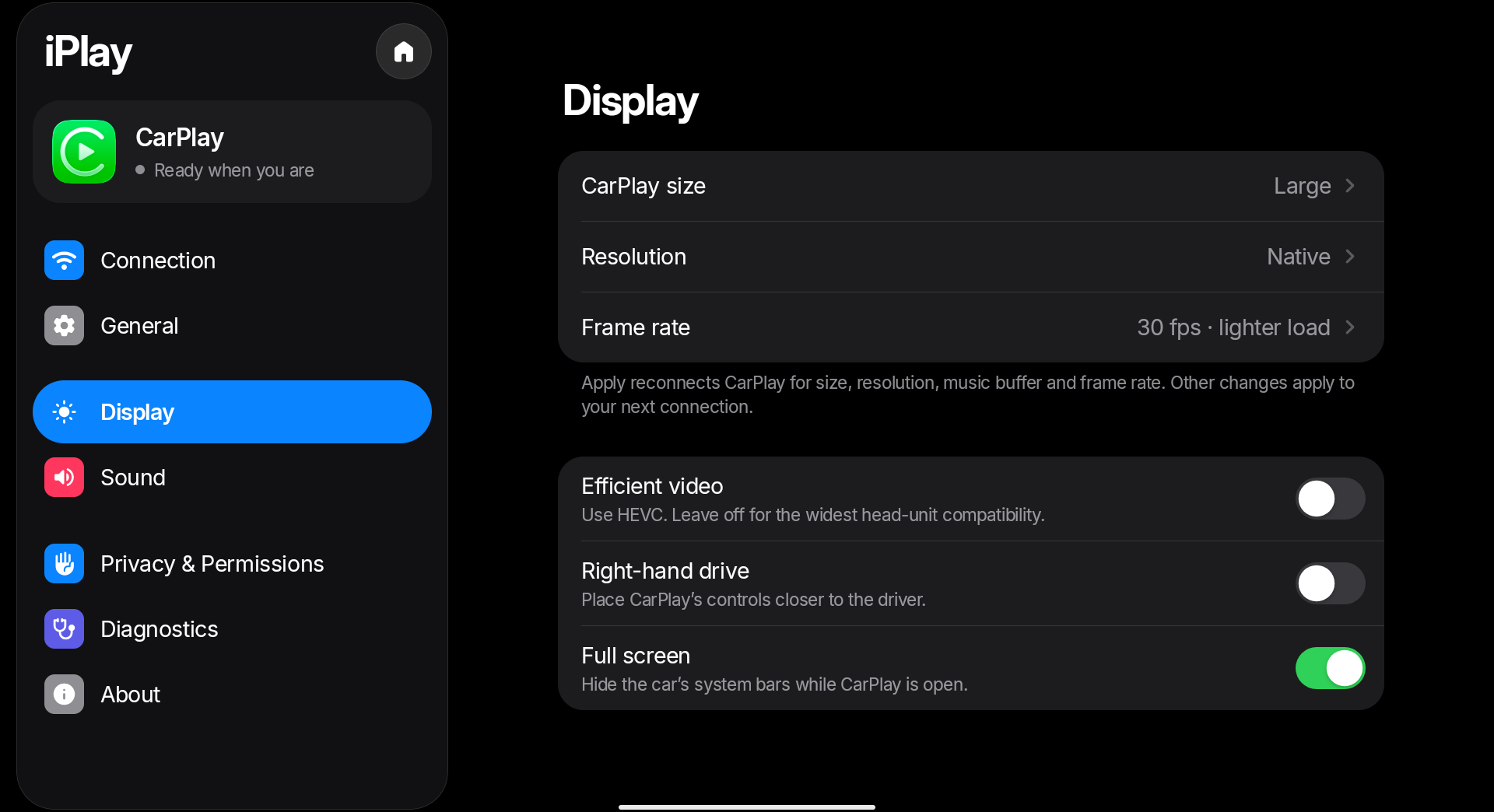
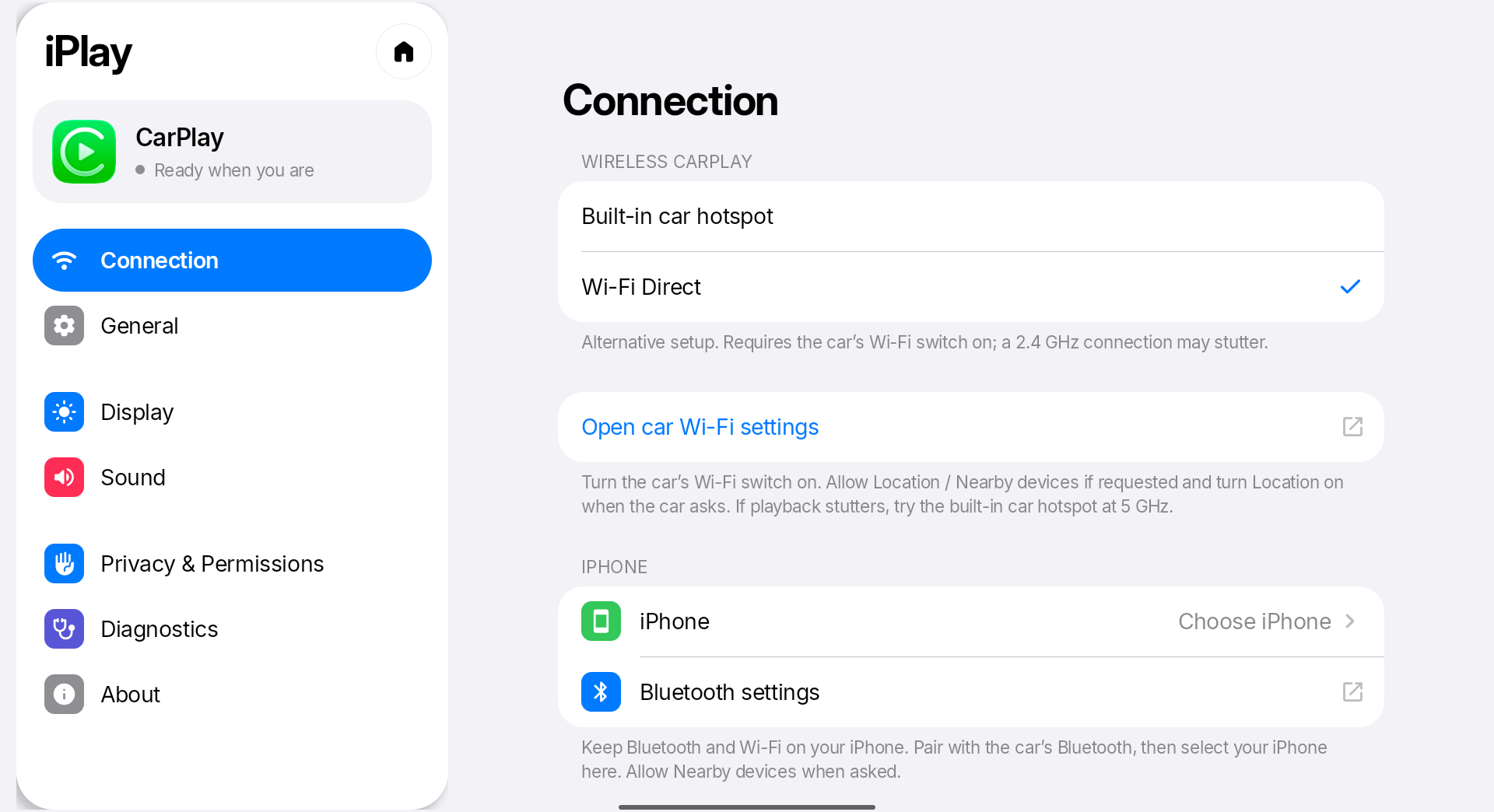
Download iPlay on your car’s head unit, or copy it over with a USB drive, and install it. It goes on the car, not on your iPhone.
Pair your iPhone with the car over Bluetooth and keep Wi-Fi on.
Open iPlay, choose Wireless or USB and tap Connect. Allow CarPlay when your iPhone asks.
SHA-256 baf5b48bfeafe9ea7ba42e2eafdb1b8c72ee848c939e811e9941d5f1501abeac
Public preview. iPlay is not an Apple-certified product. It uses an experimental accessory identity and may stop working after a future iOS update. iPlay focuses on BYD cars; other cars may work but are unsupported.